




Description
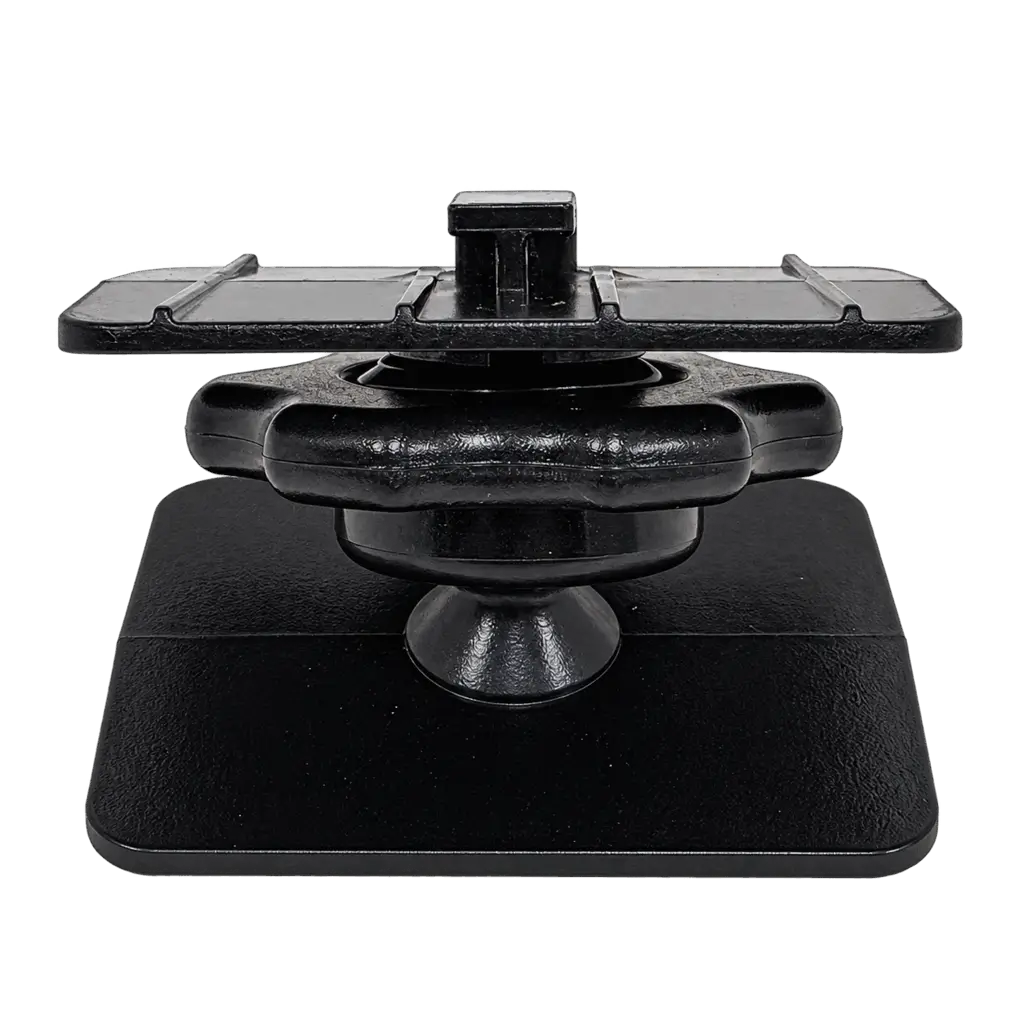
Delphi SA10009 • T-Notch Dash Mount
XM Radio Swivel Adhesive Dash Mount
Give your XM radio a convenient home on your dashboard. The Delphi SA10009 adhesive swivel dash mount connects to a compatible vehicle cradle through its T-notch mounting slot, helping you position your dock-and-play receiver where the display is easy to see.
Use it to replace a missing dash mount or complete a vehicle setup with an existing compatible cradle. The swivel design lets you adjust the radio's viewing position.
Product Highlights
Cradle Compatibility
Check the mounting connection on the back of your vehicle cradle before ordering. This mount requires a T-notch slot.
Technical Specifications
- Model / SKU
- SA10009
- Manufacturer
- Delphi
- Product type
- Swivel adhesive dashboard mount
- Cradle connection
- T-notch
- Application
- Vehicle dashboard
- Listed weight
- 4 ounces
What's Included
Before You Install
Frequently Asked Questions
Will the SA10009 fit my XM radio?
Fit depends on your vehicle cradle. If the cradle has a matching T-notch mounting slot, it can connect to this mount. Check the cradle's connection before ordering.
Does this work with an XM PowerConnect car cradle?
Yes, the XM PowerConnect car cradle is listed as compatible. Confirm that your specific cradle has the T-notch mounting slot.
Is this a four-hole AMPS mount?
This model uses a T-notch cradle connection. A four-hole AMPS screw pattern alone does not provide the connection this mount requires.
Does the package include a radio or cradle?
No. This product includes the SA10009 dash mount only. Use it with your existing compatible vehicle cradle and receiver.
Payment & Security
Your payment information is processed securely. We do not store credit card details nor have access to your credit card information.